CHEXX Account, Registration and Verification
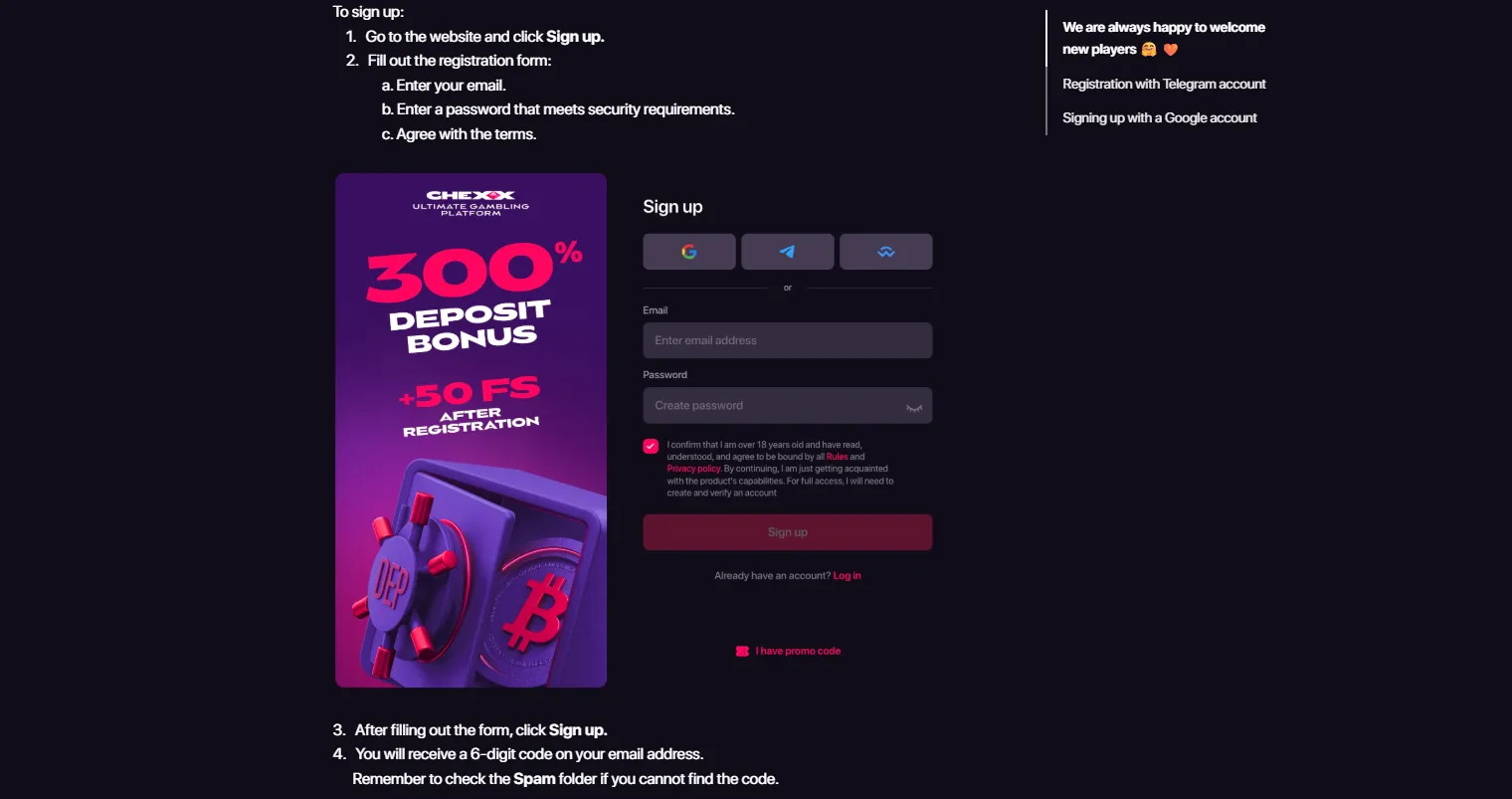
CHEXX supports account creation through email, Google, Telegram and WalletConnect. For a Philippines reader, that gives several ways to start an account, but registration itself is only the first stage of the account lifecycle. CHEXX also applies risk-based due diligence and may request enhanced KYC, so it would be inaccurate to describe the platform as a universal “no KYC” casino.
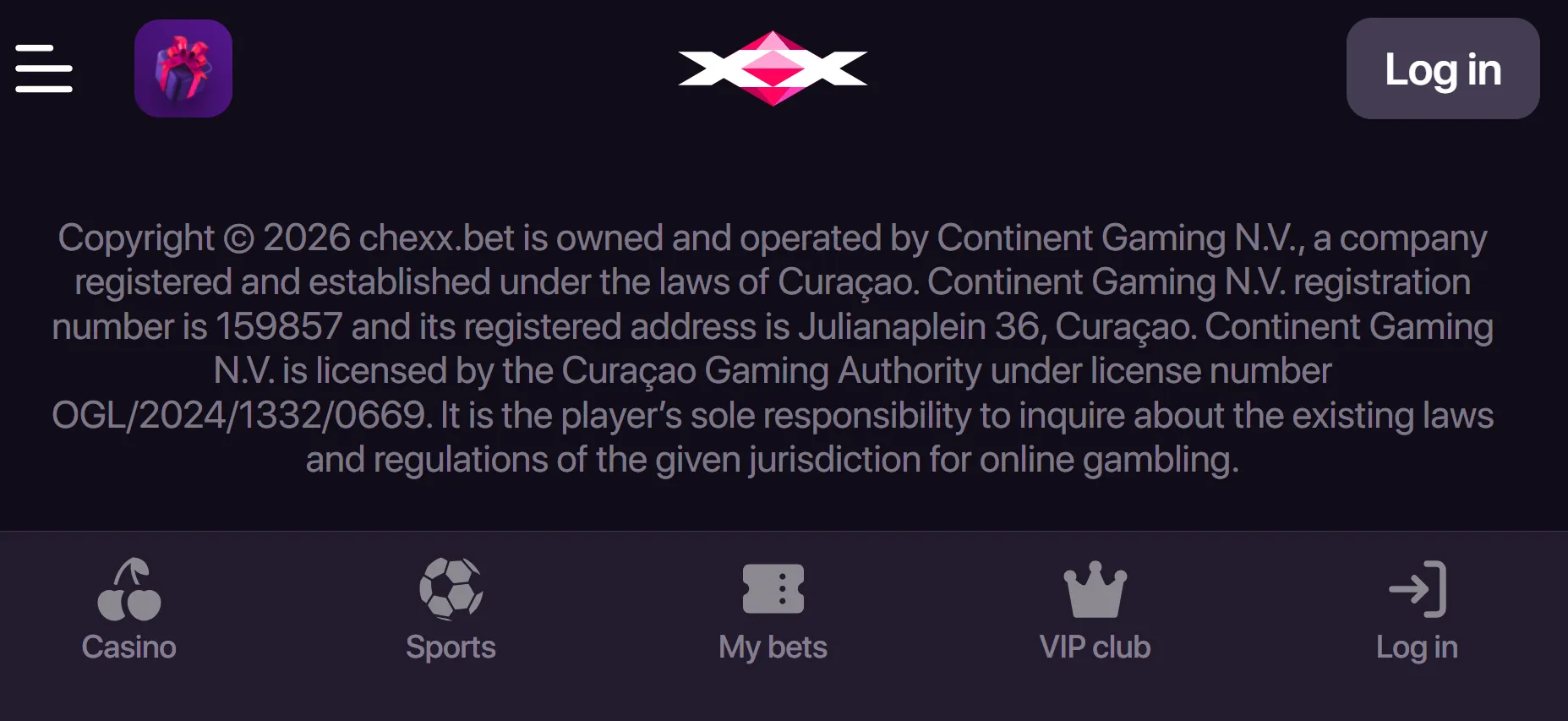
The Philippines is not named in CHEXX’s current general Terms list of prohibited jurisdictions. That does not establish PAGCOR licensing or local regulatory protection. No PAGCOR local licence or registration has been verified for CHEXX, so account access, local licensing and later verification should be treated as separate questions.
The full picture is in our CHEXX review for the Philippines.
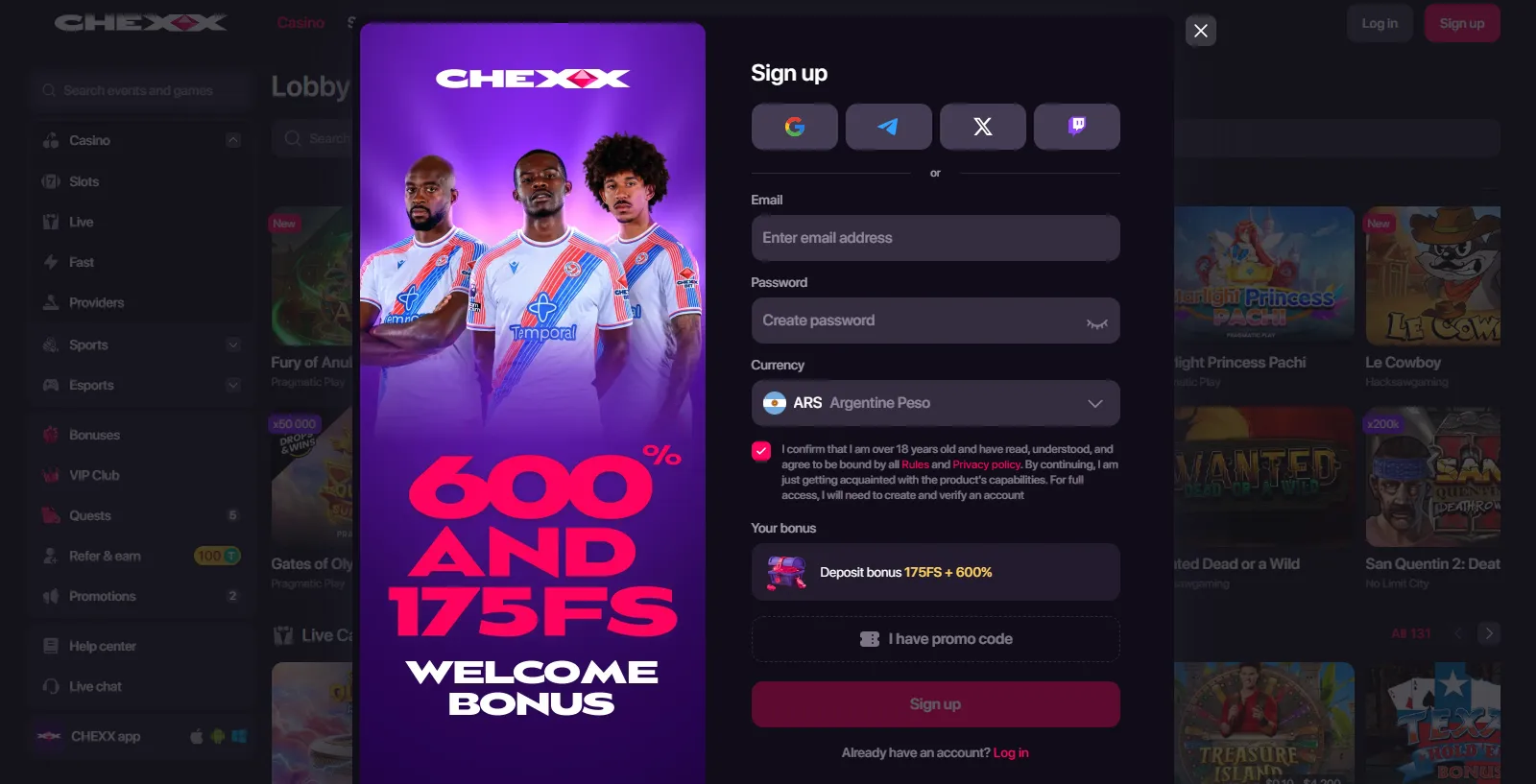
Four ways to create a CHEXX account
CHEXX provides four documented account entry routes: email, Google, Telegram and WalletConnect. The practical difference is how you identify yourself and how you later recover or secure access.
A conventional account route for users who want a direct email-based identity.
A linked-account route that can reduce the need to create another standalone login.
Telegram
A route that fits CHEXX’s broader Telegram access model.
WalletConnect
A crypto-native connection route for users already comfortable with compatible wallets.
Use the option you can secure and recover reliably. Convenience at sign-up matters less than being able to regain access if you change devices or lose a linked session.

Registration is not the same as verification
Creating credentials and passing compliance checks are different stages. CHEXX can allow an account to be created before every possible verification step has been completed, while still reserving the right to apply due diligence when risk, payment or account activity requires it.
That distinction matters because review sites sometimes collapse the two stages into a simple “KYC” or “no KYC” label. The verified position here is narrower: CHEXX applies risk-based due diligence and may request enhanced KYC. The exact documents and processing times are not stated here because those details require current direct verification.
For the dedicated verification discussion, see the CHEXX KYC.
What to decide before you sign up
Before choosing a registration route, decide which identity method you expect to keep long term. An email address that you control, a Google account with strong security, an established Telegram account or a compatible wallet can each work differently if you later change phones or need to prove control of the account.
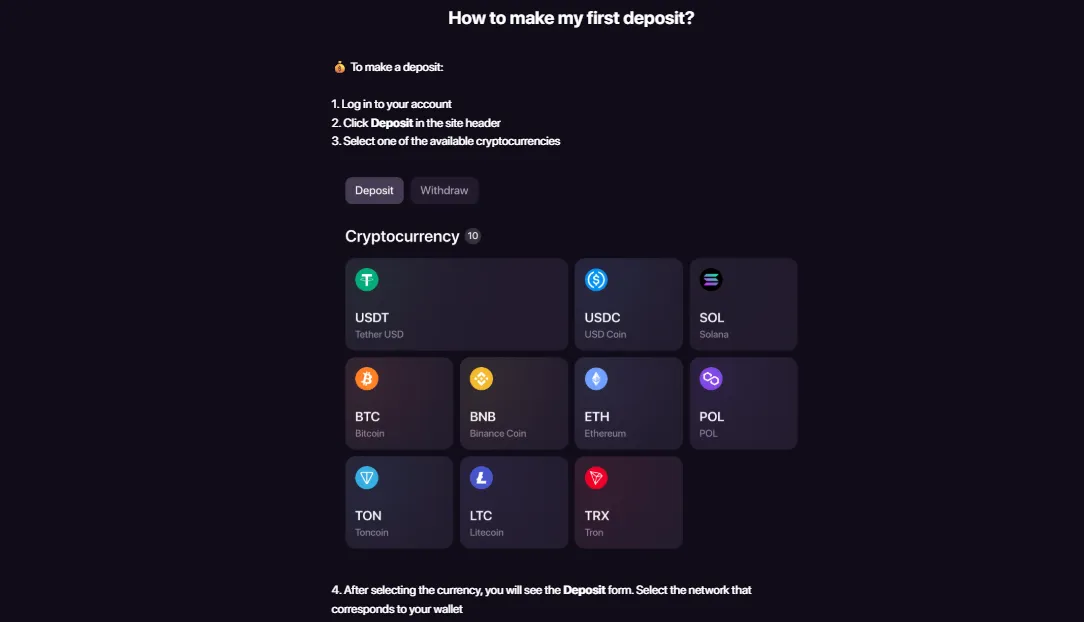
Also think about your payment workflow. CHEXX is crypto-focused, so opening the account is only one part of the practical setup. If you plan to deposit, the CHEXX payment methods explains the difference between direct local e-wallet expectations and the platform’s verified crypto model.
Country declaration and local context
CHEXX’s current general Terms do not name the Philippines in the prohibited-jurisdiction list. This supports describing the Philippines as not explicitly excluded by that list. It should not be stretched into a claim that CHEXX is licensed by PAGCOR, fully authorised locally or covered by a Philippines dispute-resolution scheme.
The useful distinction is operational rather than promotional: a user may be able to reach registration while the regulatory status remains separate. If local licensing is central to your decision, use the dedicated trust material rather than treating a successful sign-up screen as regulatory evidence.
Account security basics
Whichever sign-up method you choose, protect the underlying identity account first. Use unique credentials where applicable, secure the email or Google account behind the login, and protect the phone number, Telegram account or wallet seed phrase associated with your access method.
CHEXX’s profile documentation includes security controls such as password changes, linked external accounts and confirmation-code settings. Those controls are useful only if the recovery channels behind them are also protected.
Avoid sharing saved images that expose account IDs, balances, wallet addresses or verification data. If support requests information, use the platform’s normal support flow rather than sending sensitive material to unsolicited contacts.
What the CHEXX profile contains after registration
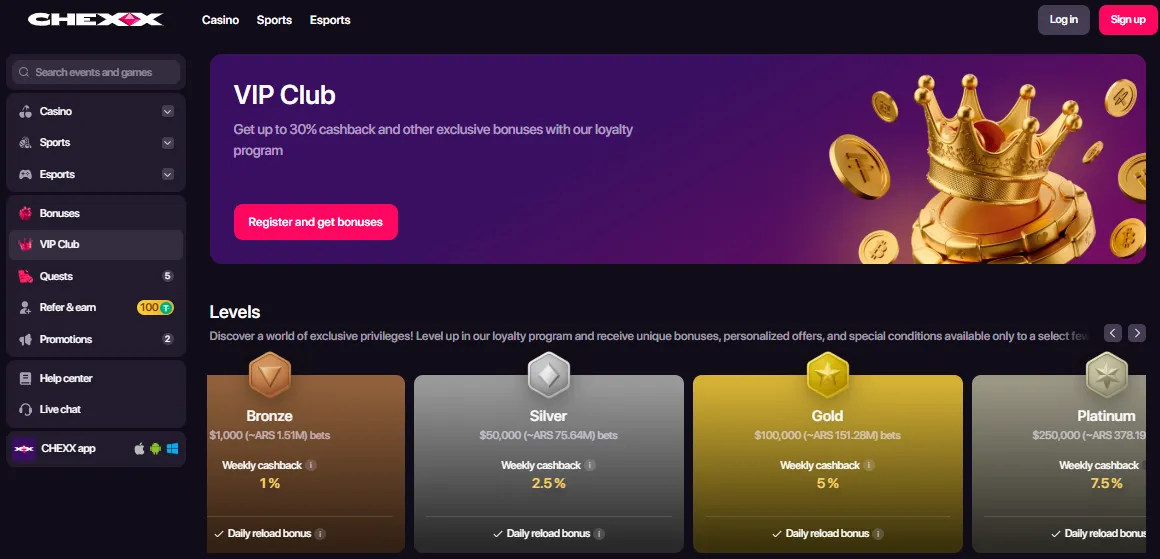
CHEXX’s help center describes a profile area that links to Wallet, Transactions, My bets, Bonuses and Verification. It also exposes account preferences such as nickname and avatar, linked external accounts, security settings, notification controls, interface language and fiat display currency.
That makes the profile more than a static identity page. It is the operational center for reviewing transactions, changing security settings and moving into verification when required. A new user should learn where these controls are before depositing rather than only after a problem appears.
Registration route versus future recovery
A fast sign-up path can create a hidden dependency. If you register through a linked service and later lose access to that service, account recovery can become more complicated than it would be with a well-maintained primary email. Conversely, a linked Google or Telegram identity can be convenient when it is already protected by strong recovery controls.
WalletConnect introduces a different type of dependency: control of the wallet environment. Never treat a wallet connection as permission to reveal a seed phrase. Wallet recovery secrets should remain outside the casino account flow.
How KYC can enter the account lifecycle
Risk-based verification can appear later rather than at the first screen. Typical triggers in regulated online services can relate to identity, security or transaction review, but this page does not invent a CHEXX-specific trigger list. CHEXX uses due diligence and may request enhanced KYC.
Plan accordingly if you expect to withdraw funds. A blockchain transfer can be technically fast while an account-level review still needs to finish first. This is why payment speed and account verification should not be treated as the same process.
A sensible account setup sequence
- Choose the registration method you can secure and recover.
- Create the account through the current CHEXX interface.
- Review profile and security settings before depositing.
- Confirm your preferred display and notification settings.
- Understand the crypto deposit network you plan to use.
- Keep identification records available in case due diligence is requested.
- Use the Transactions area to track account activity.
This sequence does not guarantee that every user will see the same verification path. It simply separates the stages that matter operationally.
Account access on mobile
CHEXX also supports a PWA-style mobile route, so account management can continue from a phone without relying on a conventional app-store installation. If mobile access is important, the Mobile covers the PWA and Telegram options in more detail.
On mobile, pay particular attention to copied wallet addresses, login recovery and device security. A smaller screen can make network selection or address checking easier to rush.
Who should take extra care before registering
Users who specifically require a PAGCOR-licensed operator, direct PHP e-wallet funding or a fixed published KYC document list should not infer those features from the existence of a CHEXX registration form. Those are separate product or regulatory questions and need their own evidence.
Users already comfortable with crypto accounts and linked identity methods may find the multi-route sign-up model convenient. The most important expectation is that convenience at registration does not remove the possibility of later verification.
Choosing between linked login methods
The four registration routes solve the same basic problem in different ways. Email keeps the casino identity tied to an inbox you control. Google delegates much of the login security to your Google account. Telegram connects registration to a messaging identity that may also be used for CHEXX access. WalletConnect is different again because it sits inside a crypto-wallet environment rather than a conventional username-and-password model.
For long-term use, the best choice is usually the identity you are least likely to lose. If you regularly replace phones, consider how the linked service is restored on a new device. If you use a wallet, make sure its recovery process is understood before connecting it to any gambling account. The account route that feels fastest today should not create a recovery problem later.
What to check before the first deposit
Account creation can make a platform feel ready to use immediately, but the safer point to slow down is just before funding. Confirm that you can sign out and back in, that the recovery route works, and that you can find the Transactions and Verification areas in the profile.
Then check the current cashier rather than relying on a remembered payment list. CHEXX’s payment model is crypto-focused, so the deposit step introduces an asset and blockchain-network decision that does not exist during registration. A working login does not confirm that your preferred coin, network or local conversion route is suitable.
If you have never used a crypto casino before, read the payment material first. Understanding the difference between an account identity and a wallet transfer reduces the chance of mixing a login problem with a blockchain problem.

Account records worth keeping
Keep a private record of the email or linked identity used to register and note which recovery method belongs to it. You do not need to store passwords in plain text. A reputable password manager is safer than a note file or image saved in a phone gallery.
For crypto activity, transaction hashes and the Transactions page can be useful references if a transfer needs to be traced. They are different from KYC documents and should not be treated as identity proof by themselves.
Do not publish images that show account identifiers or verification material. If you need to document a problem for support, crop or redact unrelated personal information.
Changing devices or access methods
A user who registers on desktop may later manage the account through a phone, PWA or Telegram-related route. Device changes are a good reason to review linked accounts and confirmation-code settings before the old device is unavailable.
How to open one: the registration steps.
If the underlying Google, Telegram, email or wallet account changes, update the recovery path while you still control both the old and new environment. Waiting until access is lost can turn a routine security change into an account-recovery case.
CHEXX’s profile documentation confirms that linked external accounts and confirmation-code methods can be managed from the profile. Use those controls deliberately rather than treating them as one-time setup options.
Frequently asked questions
Can I create a CHEXX account with email?
Yes. Email is one of CHEXX’s documented registration methods.
Can I use Google, Telegram or WalletConnect?
Yes. Those three routes are also documented alongside email.
Does CHEXX require KYC?
CHEXX applies risk-based due diligence and may request enhanced KYC. It should not be described as universally “no KYC”.
Is the Philippines prohibited in CHEXX’s current general Terms?
The Philippines is not named in the current prohibited-jurisdiction list recorded in the current Terms review.
Does registration prove CHEXX is PAGCOR licensed?
No. Registration access and local licensing are separate issues, and no PAGCOR local licence or registration has been verified for CHEXX.
Related coverage: CHEXX casino Philippines; and CHEXX registration.
 Astro GemsMaverick
 StarburstNetEnt
 Strength of HerculesHacksaw Gaming
 Sweet RewardBF Games
 ReactoonzPlay'n GO
 Hercules Power WildFugaso
 Crazy MummyPascal Gaming
 Gates of OlympusPragmatic Play
 Lollipop Drop MultiMaxBulletproof Games
 40 Super HotEGT Digital
 Book of the SunPascal Gaming
 Wong ChoySpadegaming
 Romance VFugaso
 Perfect Pairs BlackjackSide Bet
 VIP American BlackjackVIP
 European BlackjackMultihand
 Vegas Downtown Blackjack GoldGold Series
 Blackjack 21 ClassicClassic
 Single Deck Blackjack GoldSingle Deck
 American BlackjackClassic
 Atlantic City BlackjackClassic
 Blackjack Lucky LadiesSide Bet
 Multihand BlackjackMultihand
 Vegas Strip BlackjackClassic
 Premier Blackjack with Side BetsSide Bet
 Blackjack Surrender OriginsSurrender
 Classic BlackjackClassic
 Double Exposure BlackjackDouble Exposure
 Who Wants to Be a Millionaire RouletteThemed
 Double Ball American RouletteDouble Ball
 RouletteRelax Gaming
 Gold RouletteGold Series
 Mini Roulette 3DMini
 Monopoly Roulette TycoonThemed
 Auto RouletteSwitch Studios
 Quantum RouletteMultiplier
 Multifire RouletteMultiplier
 Mega Fire Blaze RouletteMultiplier
 Dragon RouletteThemed
 Lucky RouletteClassic
 Roca Riches RouletteThemed
 American RouletteClassic
Published by the Chexx Casino team.